
Blog
-
 Categories: FAQ
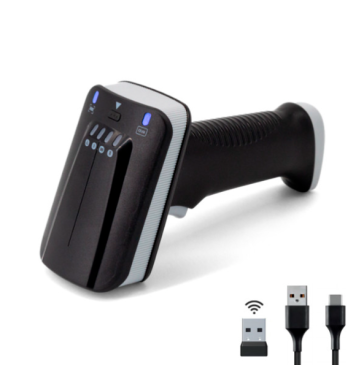
The Yanzeo SR290 UHF RFID Reader & Wireless Barcode Scanner features a simple, barcode-based auto-sleep function to help you optimize battery life and device performance. Here’s how to set it up and what it can do for you:
How to Set Auto-Sleep in 2 Steps
-
Enter Setup Mode
-
-
 Feb 09 2026
What are the benefits of using RFID?
What are the benefits of using RFID?
RFID enhances supply chain efficiency by automating inventory and asset tracking, reducing costs, and improving visibility. It ensures secure, real-time tracking with handheld scanners and devices.
- Tracks inventory and assets efficiently.
- Cuts costs in manufacturing, distribution, and inventory management.
- Enhances visibility, eliminating labor-intensive processes.
- Streamlines operations with secure mobile device integration.
By automating data collection, RFID saves time, allowing employees to focus on customer service, shipping, and picking, while improving speed and accuracy.
- Automates data collection, saving time.
- Frees employees for customer service and operations.
- Boosts speed and accuracy of tasks.
This automation
-
 Jan 20 2026
How does RFID work?
RFID technology has been a revolution in inventory management, access control, and logistics tracking of services. However, despite the ubiquity of technology, it presents itself as an enigma to those unfamiliar with RFID technology.
In this blog post, we will take you on a five-step journey to unravel how RFID works. By the end of this post, you will be able to understand how this technology works simply and clearly.
1. Start: Generating the communication link
The first step in understanding what is RFID and how it works is the creation of the communication link between the reader and the tags. This moment is critical in that it allows the basis for data transmission to be established. When the reader emits a radio signal in a specific frequency range, it
-
 Categories: RFID SOLUTIONS
One of our client feedback that Wiegand26 has no signal when they use RFID reader SR681.
How to solve it if you also meet this issue ? Please refer to the below solution.
- Take power from the controller directly, connect four wires, power supply 12V+ GND+D0 +D1
2. The card reader is powered separately, and the GND needs to be connected to the GND next to the controller D0 D1
-
 Categories: FAQ
Setting the LED light off also turns off the buzzer. Turning off the buzzer also turns off the LED light
-
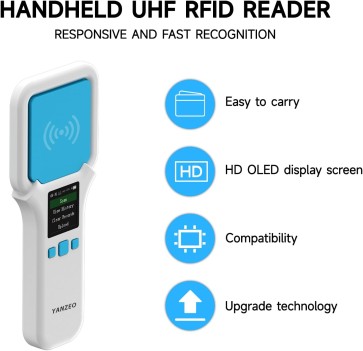
I have 20 of your Yanzeo SR300 scanners and will be making another purchase if we can figure out how to not scan each item. We need to scan the button to engage and scan without having to hit the button for each item. Can you help?
Thanks for your questions. Yanzeo SR300 can perform continuous scanning.Please reset the scanner as below :
Settings -> Card Reading Mode -> Read Tag EPC Number
-
 Categories: RFID SOLUTIONS
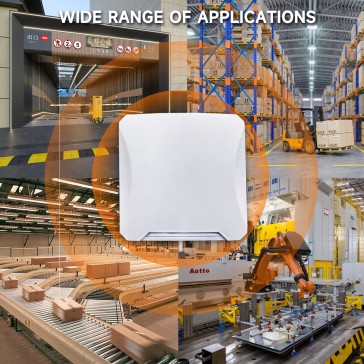
What is the difference between RFID active reader and RFID passive reader?
The main difference between active and passive RFID readers lies in the tags they interact with: Active readers communicate with -
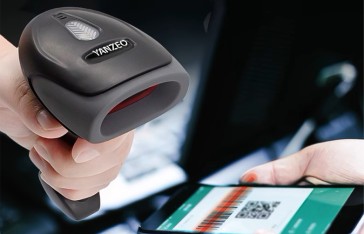
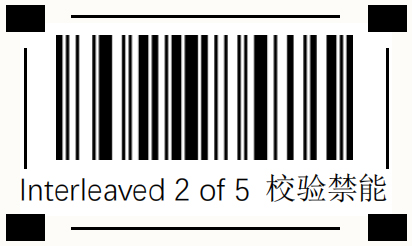
We have clients recently asked if our scanner L1100-1D-USB can read interleave 2 of 5 barcodes?
The answer is Yes .It can read .You only need scan the code as below.
-
 Categories: FAQ
Do you have a RFID reader which can connect on arduino board?
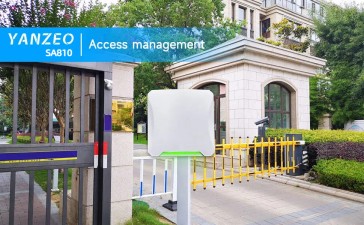
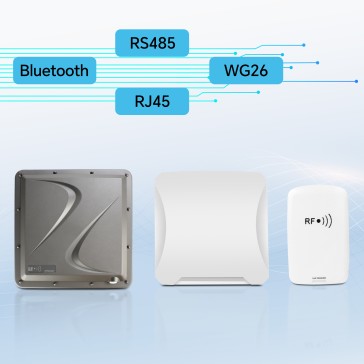
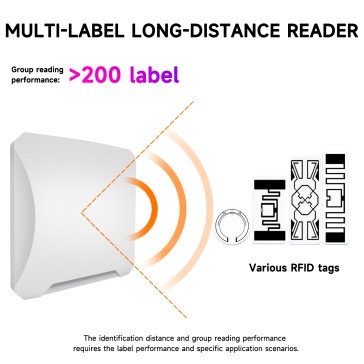
Yes ,we have RFID readers like SA810,SR792,etc which can connect on arduino board to read multiple rfid tag to send a http request with all tag.
Please refer to the detail information for these products.
https://www.yanzeo.com/yanzeo-sa810-long-range-uhf-udp-mqtt-rfid-reader.html
-
 Categories: RFID SOLUTIONSIntegrating RFID reader data into a database within an application involves several steps:
-
RFID Hardware Setup:Ensure the RFID reader is properly connected and configured. This may involve connecting via USB, Ethernet (TCP/IP), or serial port (RS232), depending on the reader model.
-
-
Recent Posts
How to set Auto-Sleep on the Yanzeo SR290 & Why it matters
February 26, 2026
What are the benefits of using RFID?
February 09, 2026
How does RFID work?
January 20, 2026
Wiegand26 has no signal when I use RFID reader SR681
January 14, 2026
Are the SA810 buzzer and indicator light interdependent?
December 31, 2025
Validate your login